CS2 Float Value
Complete Guide for Traders
Everything you need to know about float values — wear tiers, price impact, low float premiums, and how to check float for any skin.
CS2 Float Value Price by Float ValueThe 5 CS2 wear tiers and their price impact
| Float Range | Condition | Avg Price | vs Average | Verdict |
|---|---|---|---|---|
| 0.00 – 0.07 | Factory New | Highest price | Minimal to no wear | Premium |
| 0.07 – 0.15 | Minimal Wear | High price | Slight imperfections | Recommended |
| 0.15 – 0.38 | Field-Tested | Mid price | Visible wear, most common | Budget |
| 0.38 – 0.45 | Well-Worn | Low price | Heavy scratching | Avoid |
| 0.45 – 1.00 | Battle-Scarred | Lowest price | Maximum wear | Collector only |
Price impact varies by skin — high-value skins see the largest absolute differences between tiers. Use our inspect tool to check the exact float of any skin.
CS2 Float Value: The Complete Guide
What Is Float Value and Why It Matters
Every skin in CS2 has a float value — a precise decimal number between 0.00 and 1.00 that determines its visual wear condition. This number is assigned permanently when the skin drops or is unboxed and never changes, regardless of how much you play with it. Float is the single most important factor in skin pricing after the skin name itself: two copies of the same skin can differ by 2–10x in price based solely on float value.
The 5 CS2 Wear Tiers Explained
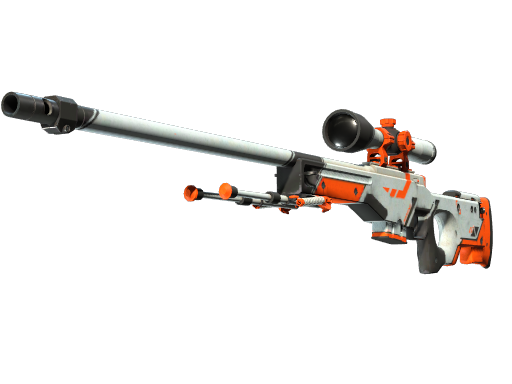
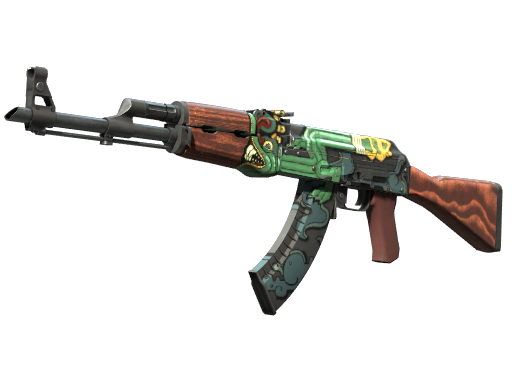
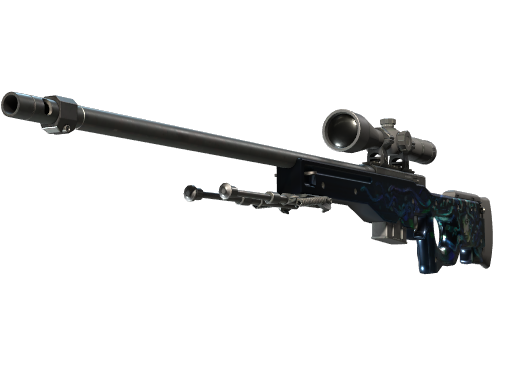
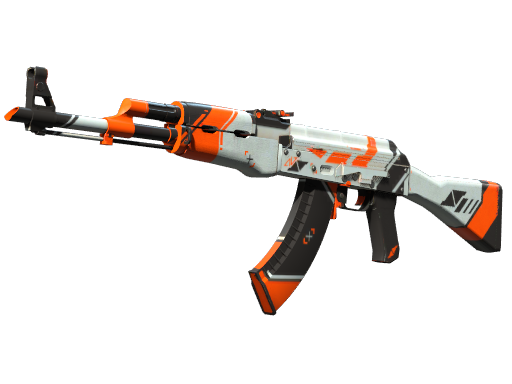
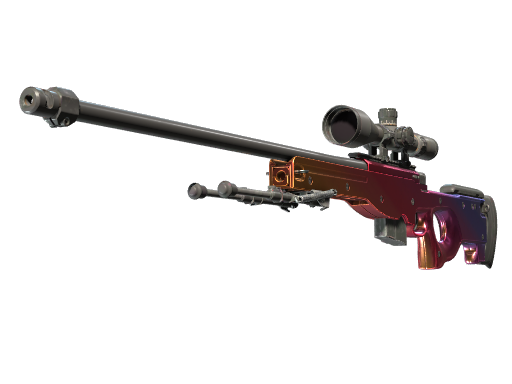
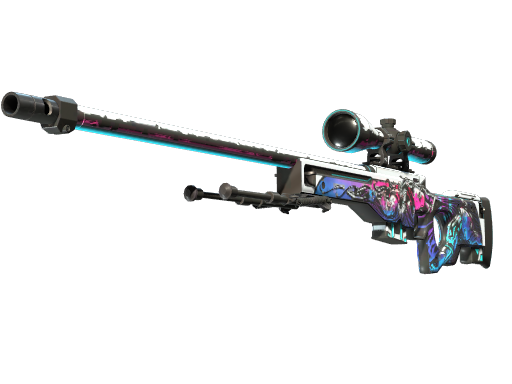
CS2 divides the 0.00–1.00 float range into five named wear tiers: Factory New (0.00–0.07), Minimal Wear (0.07–0.15), Field-Tested (0.15–0.38), Well-Worn (0.38–0.45), and Battle-Scarred (0.45–1.00). Not every skin can exist in every tier — each skin has its own minimum and maximum float. For example, the AWP Asiimov can only be Field-Tested or Battle-Scarred (0.18–1.00), while the AK-47 Fire Serpent can never be Factory New (minimum float 0.06).
How Float Affects Price: Real Examples
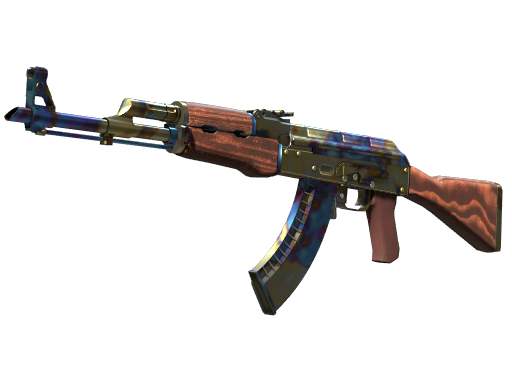
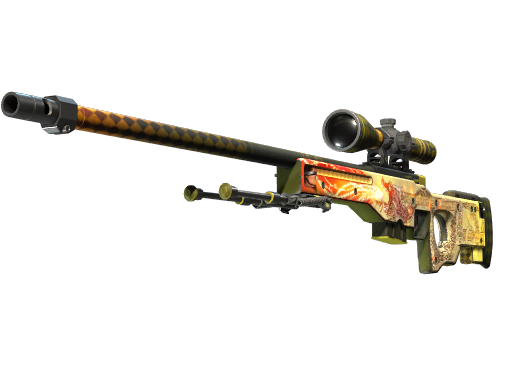
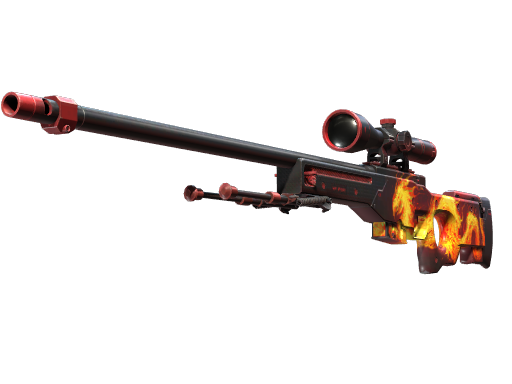
The price impact of float varies dramatically by skin. An AK-47 Redline might cost $32 at float 0.25 (FT) but $80 at float 0.01 (FN) — a 2.5x difference. An AWP Dragon Lore at float 0.30 (FT) might be $800, while a 0.001 FN copy could fetch $5,000+ — over 6x more. Generally, the rarer and more expensive the skin, the more float matters in absolute dollar terms.
Low Float vs High Float: When Does It Matter?
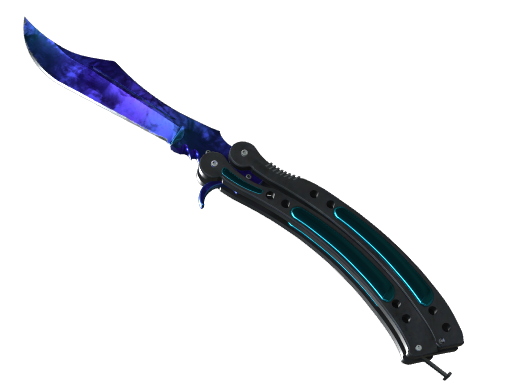
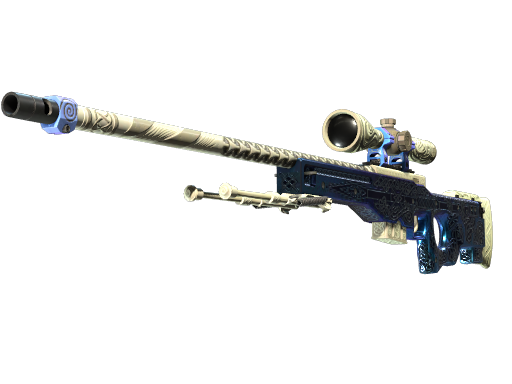
Float matters most on skins where visual wear is obvious — scratches on metallic surfaces, paint chipping on detailed artwork, or fading on vibrant colors. On some skins (like certain knives), the visual difference between 0.01 and 0.06 is barely noticeable. On others (like the AWP Queen's Gambit with its gold engravings), even small float differences create dramatically different visual results. Know your skin before overpaying for low float.
How to Check Float Value Instantly
The fastest way to check any skin's float value is to paste its inspect link into our inspect tool. You'll get the exact float to 14 decimal places, the wear tier, market prices from multiple platforms, sticker analysis, and pattern seed information — all in seconds. No downloads, no extensions, no Steam login required.
Check Your CS2 Float Value Real Value
Paste the inspect link and get exact float, pattern, sticker value and live prices from DMarket, Waxpeer, Skinport and White Market — in seconds.
Inspect Your Skin Free →How to Check Your CS2 Float Value Float Value
Find on Steam Market
Go to Steam Market → search CS2 Float Value → open any listing you want to analyze.
Copy Inspect Link
Right-click the "Inspect in Game ▶" button → select Copy link address.
Get Full Analysis
Paste the link and get float rank, sticker value and live prices instantly.
skinsinspector.com/inspect →